Prompts you can run in your own agent.
Every entry on this page is a verbatim prompt you can paste into Claude, ChatGPT, Cursor, or Hermes — backed by MCP Media Engine. Each one shows the model, the credit cost, the surfaces it works in, and (where available) a verified MED job ID for the example image.
Looking for the API contract? See the docs. Need model + pricing detail? Visit /models.
Three lines and you're set.
Install MCP Media Engine once, then paste any prompt from this library into your agent. The job runs out-of-band and the asset URL comes back when the model is done.
Run via npx
Get a key at app.mcpmediaengine.com and set the env var.
npx -y mcp-media-engine

# set MEDIAENGINE_API_KEY in your env
# get a key at https://app.mcpmediaengine.comUse any entry below
Each card has a copy button. Drop the prompt into your agent verbatim.
// in your agent:
// "use the MCP media engine to generate an image with this prompt:
// a lighthouse on a rocky coast at dawn, soft watercolor painting, wet on wet, paper texture, gentle washes, painterly, no text, no words, no logos"Five pillars, one library.
The starter batch is balanced across five pillars — roughly 2 reach posts per 1 revenue post.
Selfie transform
Selfie transforms — the highest-engagement pillar. img2img into a new medium.
Pet transform
Pet portraits — soft watercolor or cartoon. Strong organic reach.
Product shot
Product shots — for brands remaking ecommerce photography at scale.
Space restyle
Space restyles — before/after room edits, save-bait format.
Style art
Style art — pure style recipes with a constant subject.
The starter batch (10)
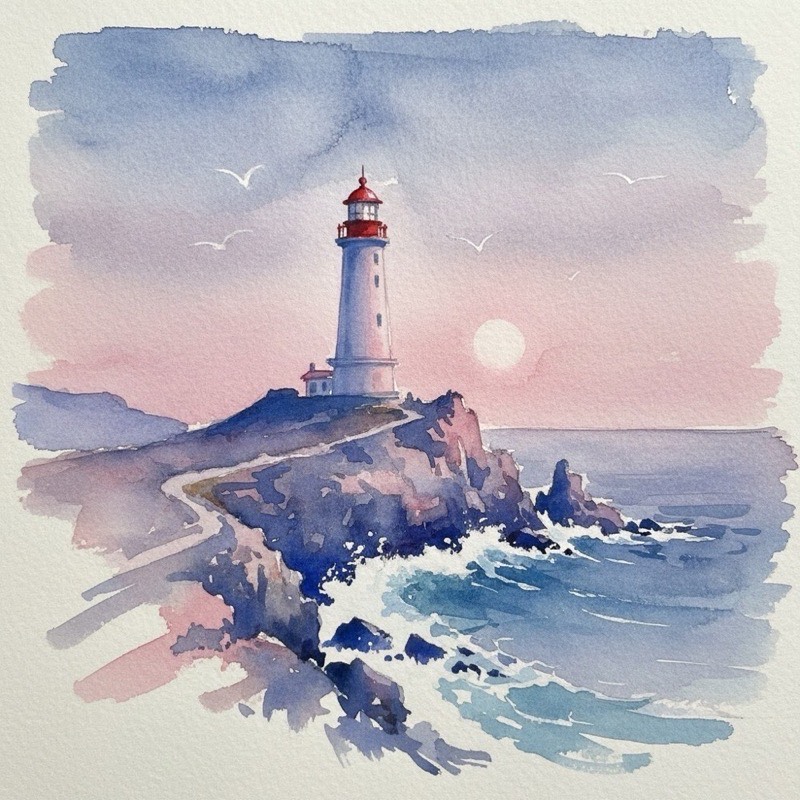
Watercolor coastline
Painterly wet-on-wet wash over a rocky shore.
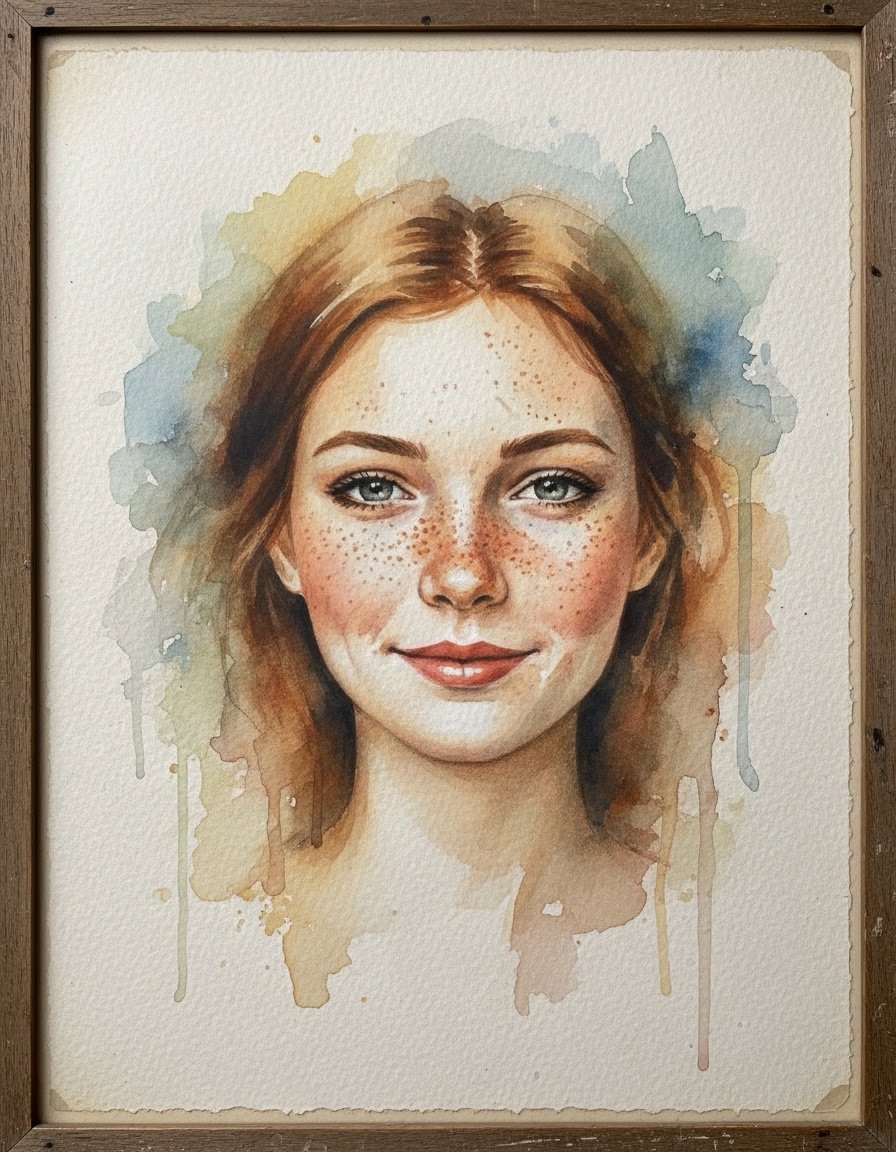
Selfie → watercolor portrait
Turn your selfie into a soft watercolor study.
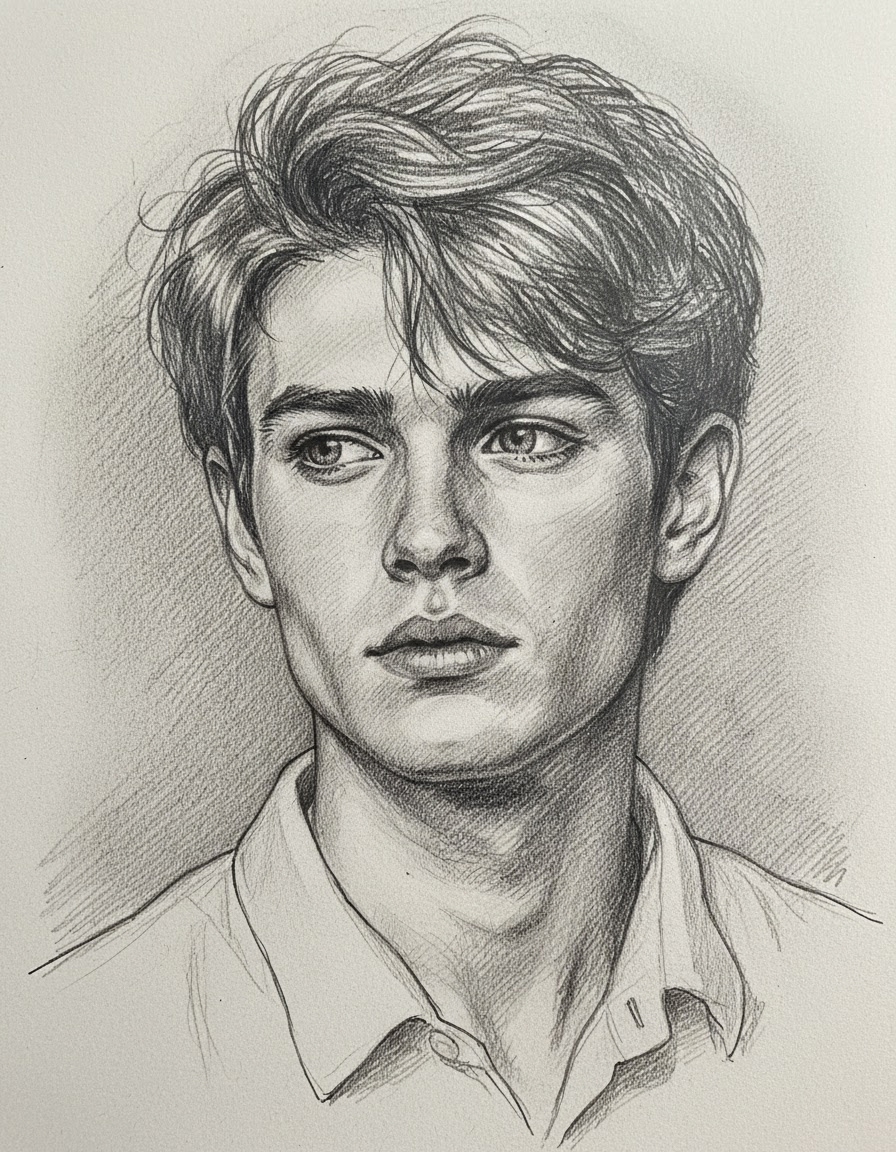
Selfie → pencil sketch
Hand-drawn crosshatching on sketchbook paper.
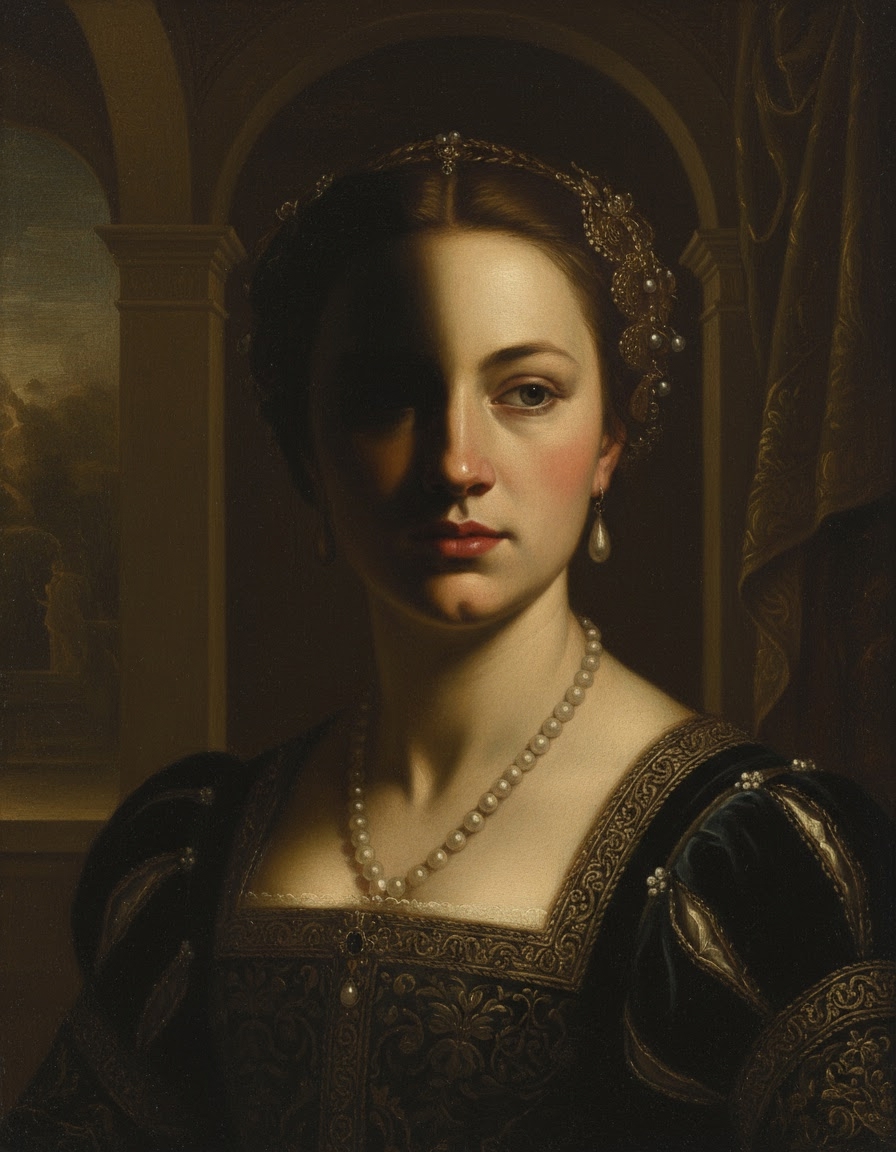
Selfie → Renaissance oil painting
Chiaroscuro lighting, classical oil-on-canvas.
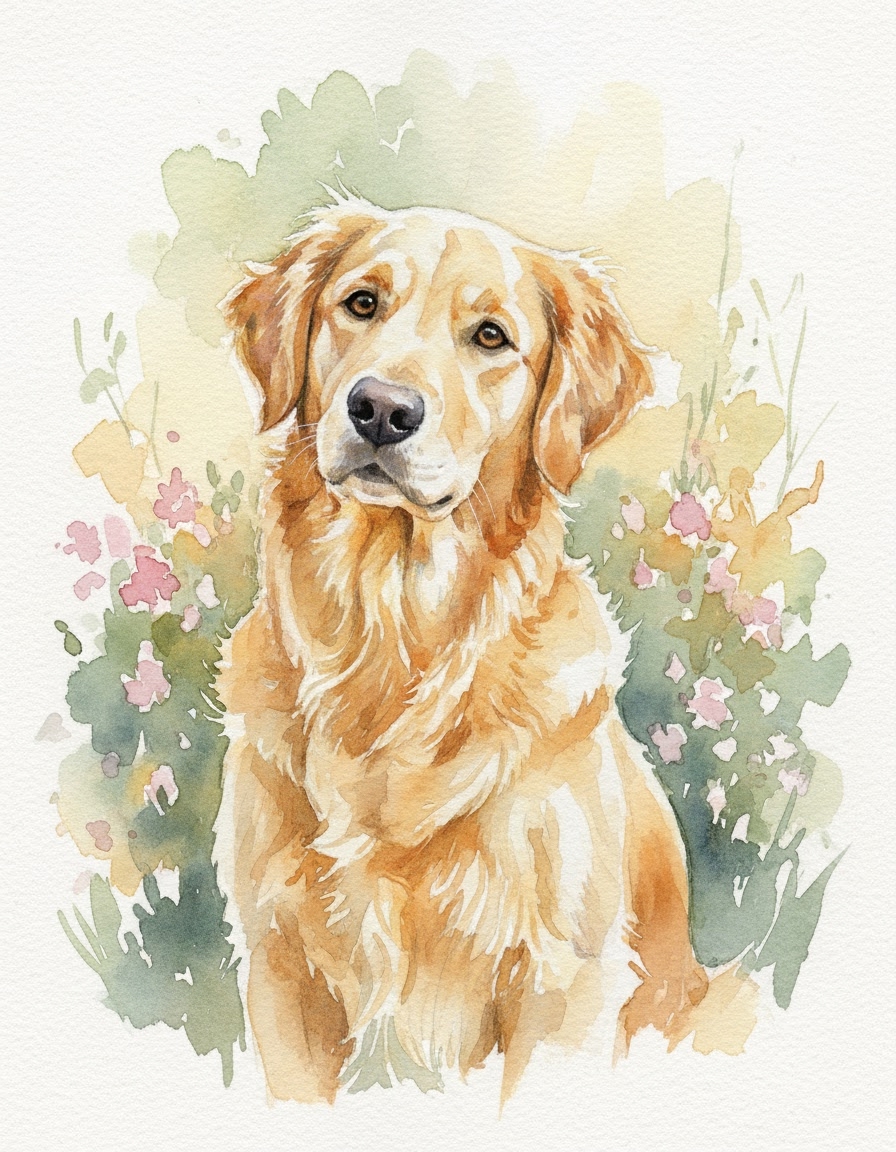
Pet → watercolor portrait
Pet as a soft watercolor study on textured paper.
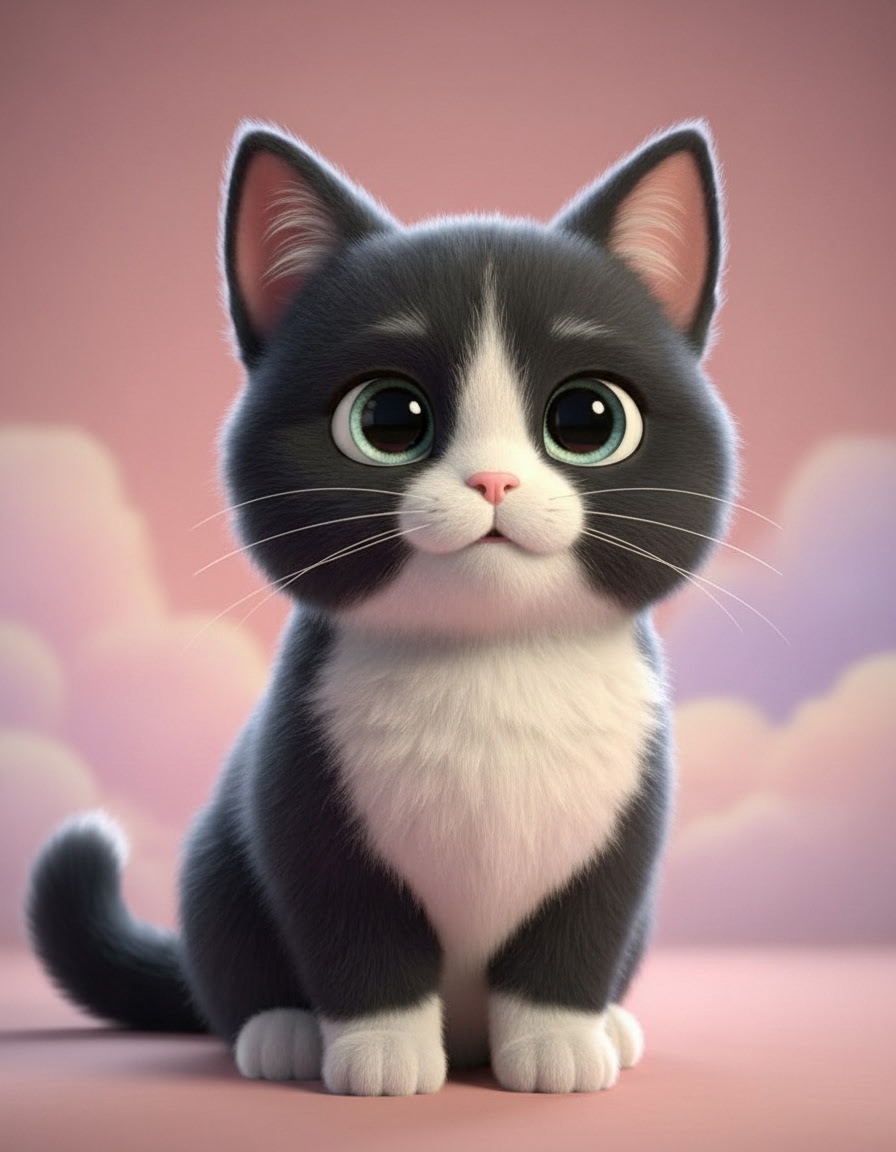
Pet → cartoon character
Bold outlines and flat vibrant colors.
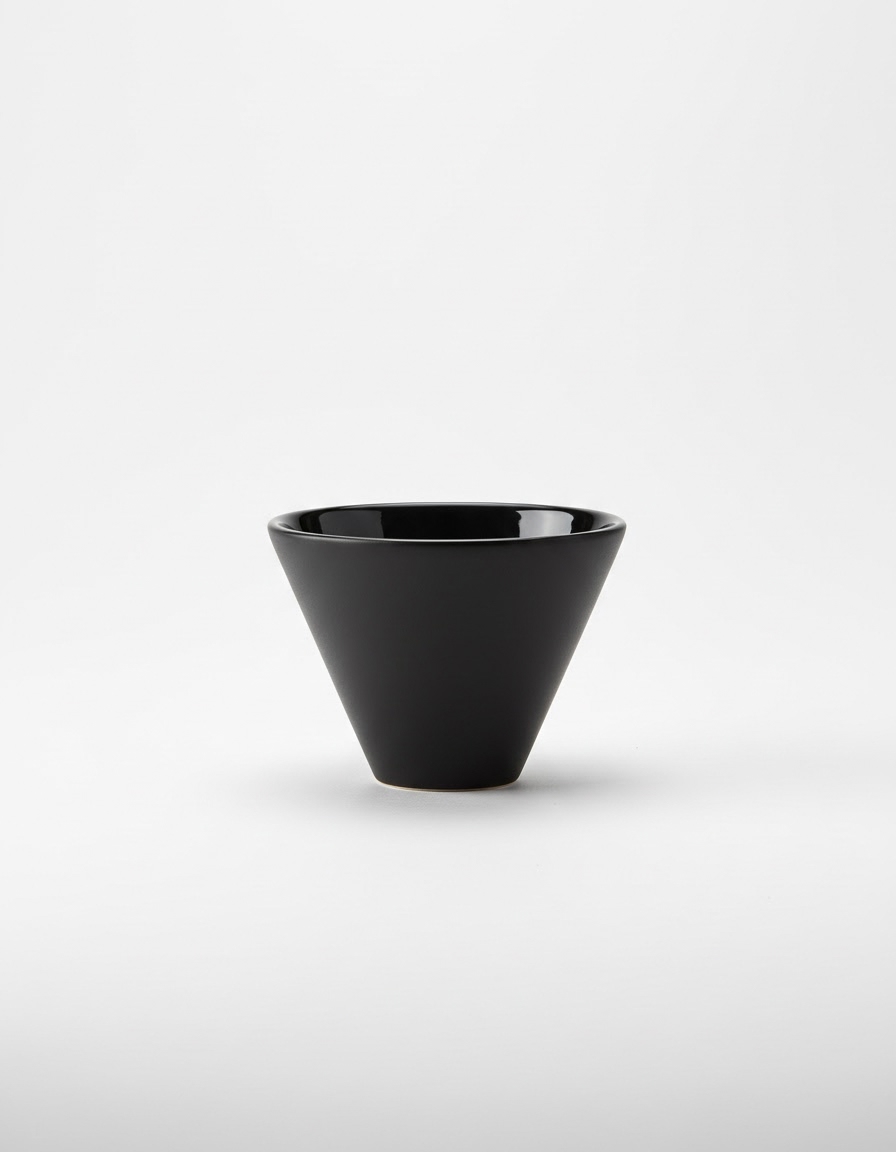
Product → clean studio shot
Studio lighting, soft shadow, ecommerce-ready.
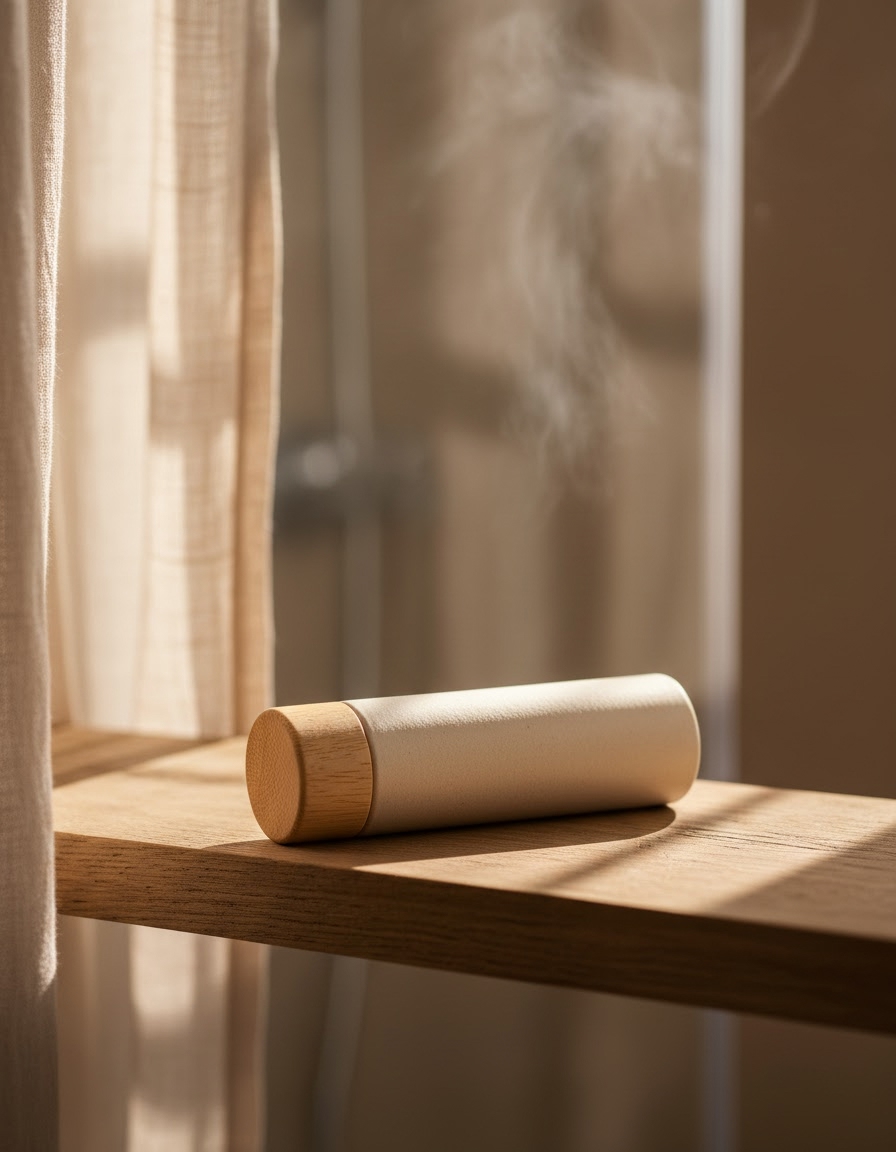
Product → lifestyle context
Object placed in a real-world scene.
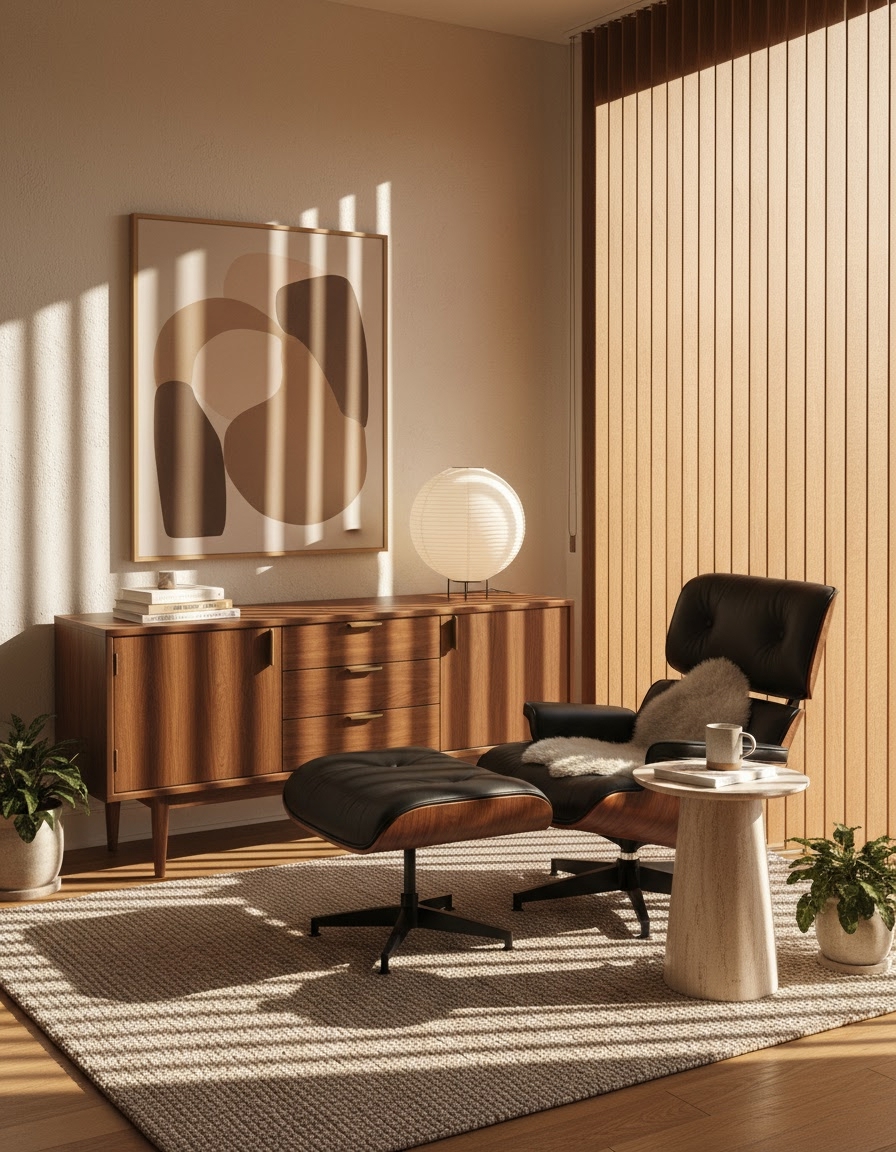
Room → mid-century restyle
MCM palette and walnut accents.
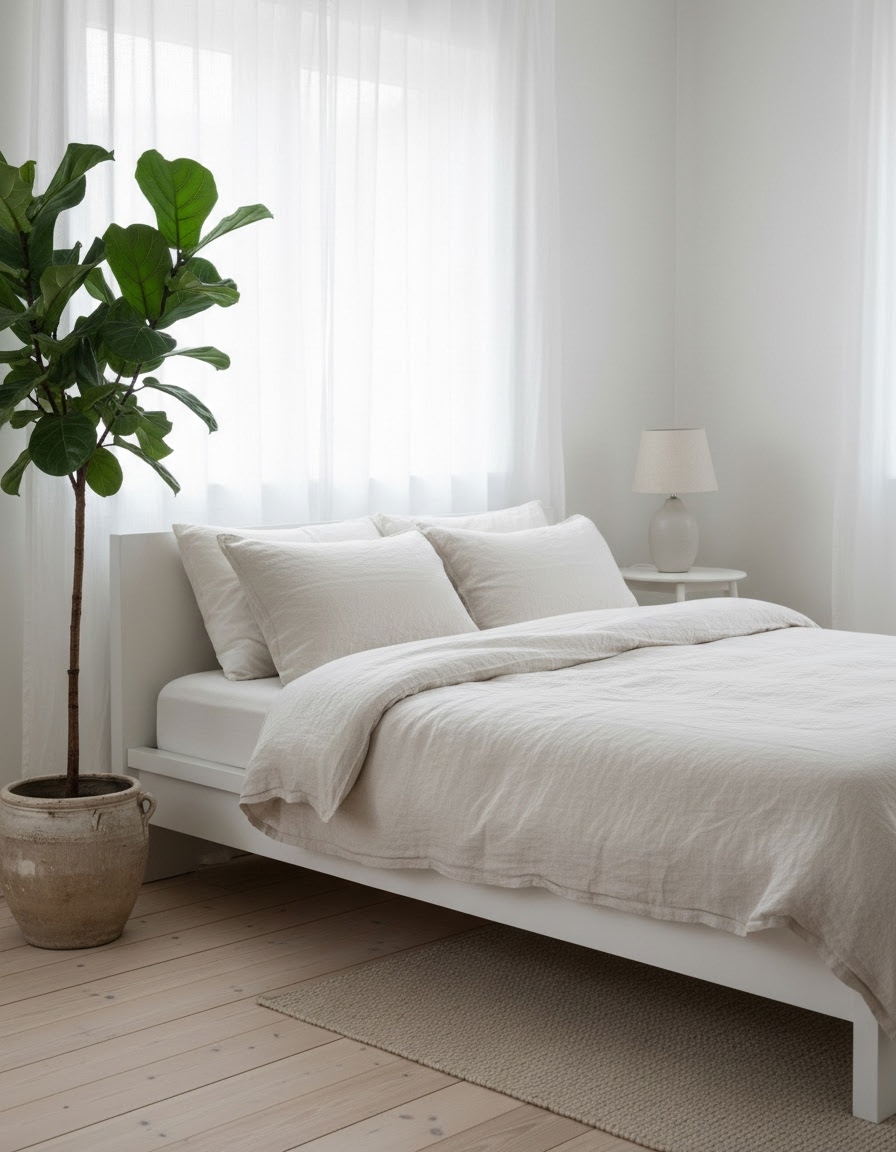
Room → scandi restyle
Pale wood, soft greys, plants.
Same shape on every entry.
Each prompt page has the same 3-step setup card. The numbers don't change — only the prompt and the model vary.
- 01
Install + key
npx -y mcp-media-engineand an API key from app.mcpmediaengine.com. - 02
Attach your photo (if img2img)
Attach your selfie, pet, or product photo to your agent chat — or paste any image URL.
- 03
Paste the prompt
Copy the verbatim prompt from the entry page and paste it. The agent submits the job and returns the asset URL when it's done.
Same prompt, four agents.
Every prompt on this page is designed to run in any of these MCP-compatible agents. No per-agent fork needed.
- ✓Claude Desktop (native MCP)
- ✓ChatGPT (via MCP / REST)
- ✓Cursor (MCP settings)
- ✓Hermes (any MCP-compatible agent)
- ✓Direct REST API (HTTP, no MCP required)
Policy: use your own photos — don't upload photos of other people without their consent. No celebrities, no third-party faces in our own posts. Every example image on this page is generated via MED itself; job IDs are listed on each entry page.
Ready to run a prompt in your own agent?