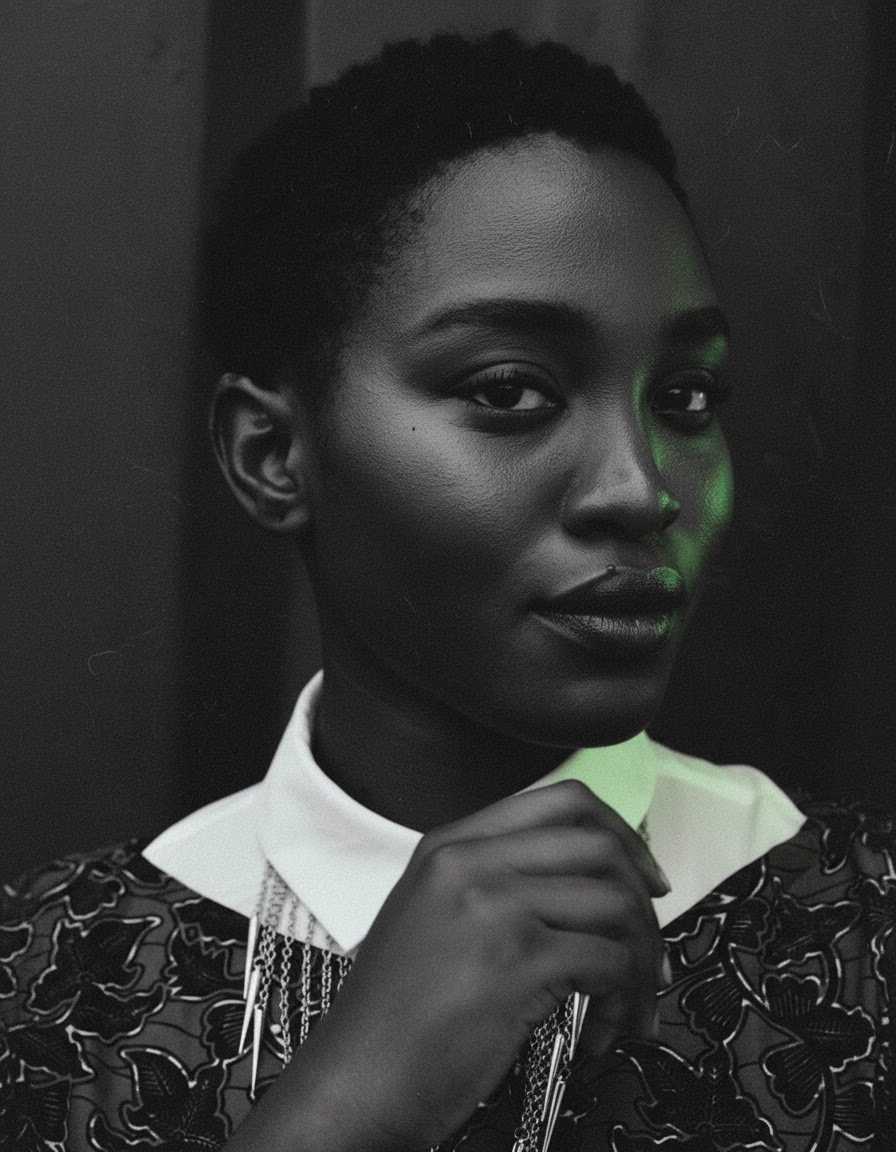
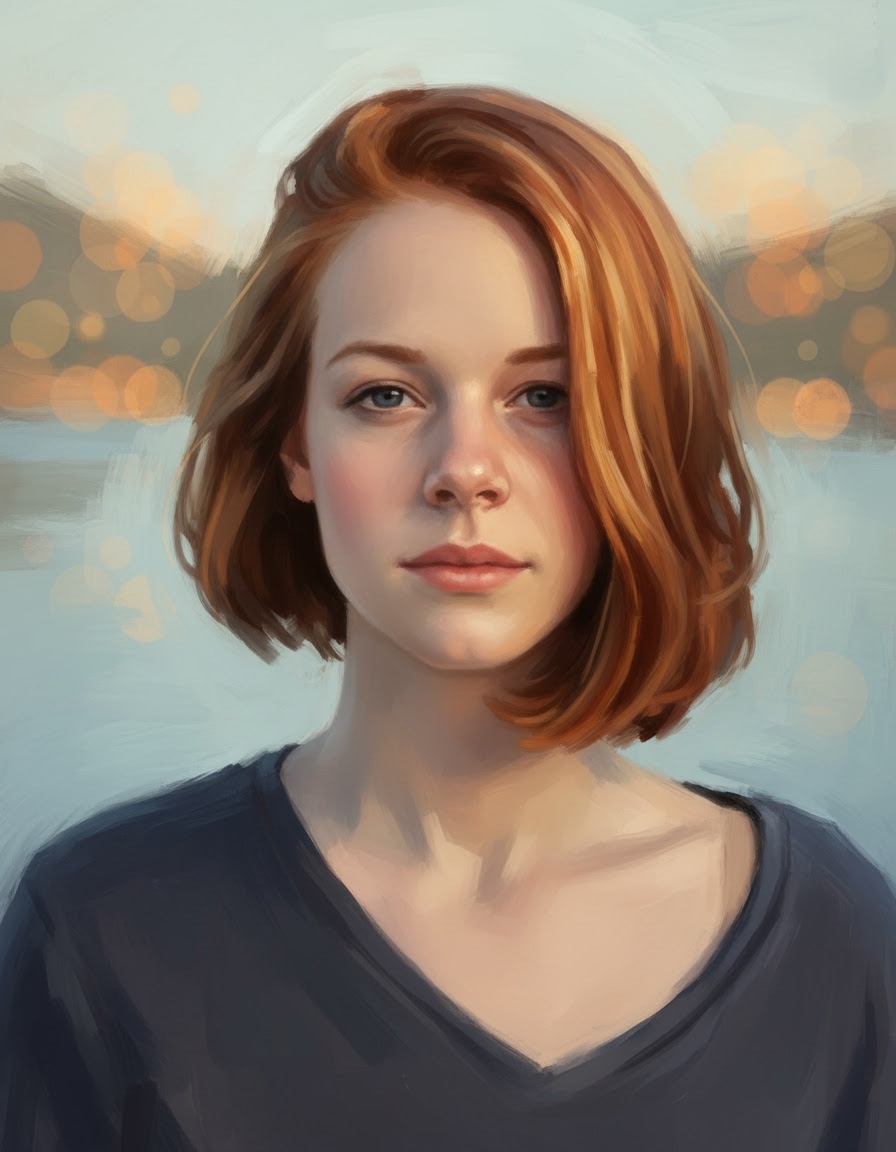
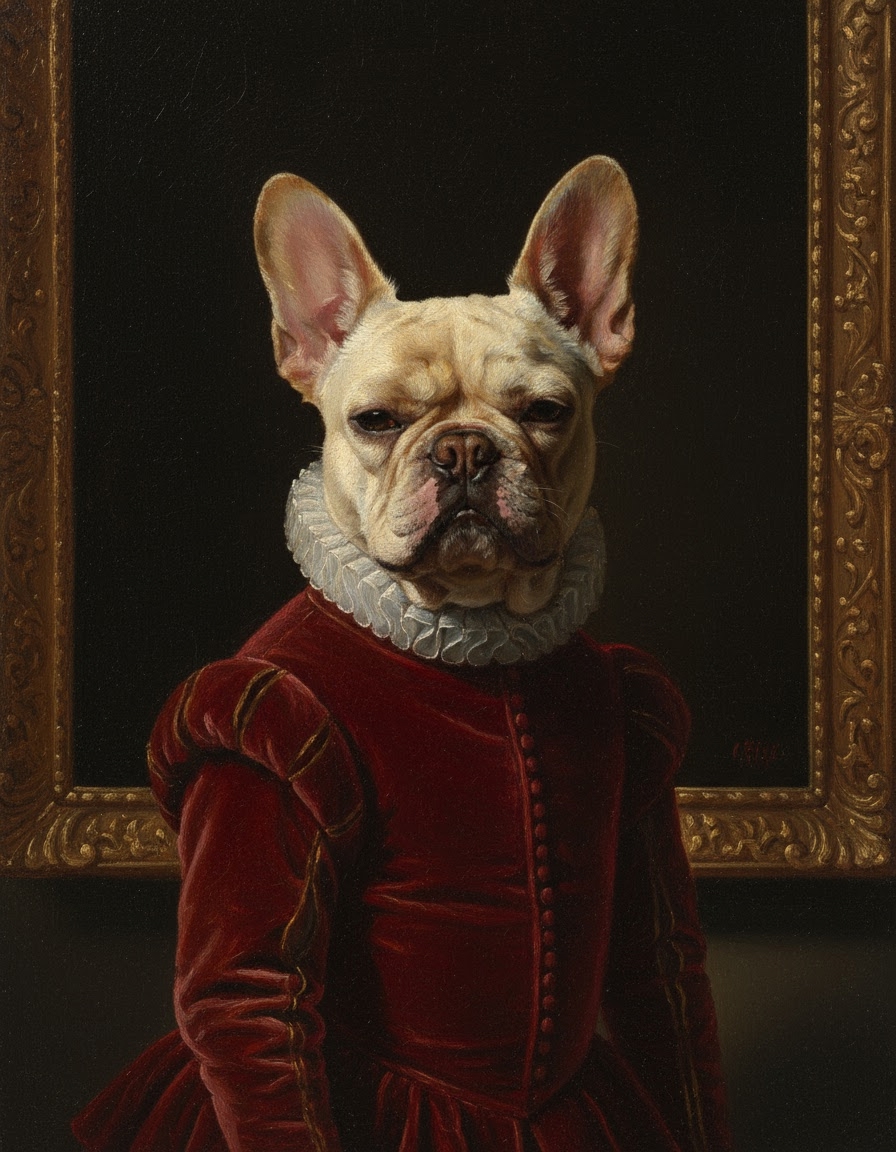
Selfie → cyberpunk neon
Magenta + teal neon rim lights, rain-soaked city bokeh.
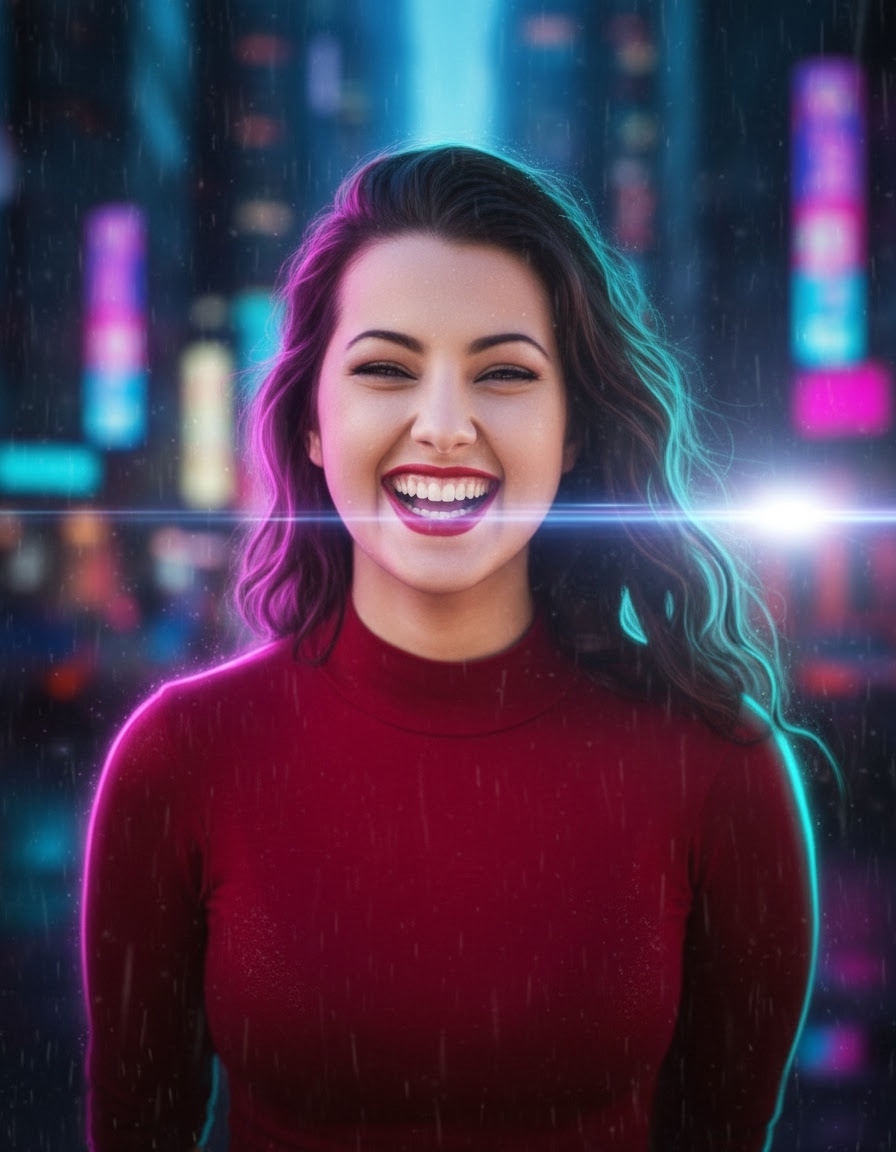
mjob_b0c9df38-c263-4fac-8fb6-1101a889273cThe prompt
Verbatim. Paste this into your agent — Claude, ChatGPT, Cursor, or Hermes — and it will submit the job via MCP Media Engine.
transform the subject into a cyberpunk portrait, magenta and teal neon rim lights, rain-soaked city bokeh in background, slight anamorphic flare, futuristic mood, no text, no logos, no watermarkRun it in 3 steps
Wire MCP Media Engine into your agent
Get a key at app.mcpmediaengine.com and set the env var.
npx -y mcp-media-engine

# set MEDIAENGINE_API_KEY in your env
# get a key at https://app.mcpmediaengine.comDrop your image into the chat
Selfie, pet, product, or room — attach to your agent or paste any image URL.
# either:
# • attach the image to your agent chat
# • paste any image URL in the prompt

input_image_url: "https://your-image-url.jpg"
denoising_strength: 0.65 # recommended for img2imgRun the prompt
The agent submits the job and returns the asset URL.
prompt: "transform the subject into a cyberpunk portrait, magenta and teal neon rim lights, rain-soaked city bokeh in background, slight anamorphic flare, futuristic mood, no text, no logos, no watermark"
aspect_ratio: "4:5"
model: "nano-banana"
Model + credits
Live model catalog: /models. Credit costs surfaced at request time and echoed in the response.
Works in
This prompt is designed to run in any of these MCP-compatible agents. The wiring is the same — only the agent UI changes.
Best for
IG reach posts — cyberpunk neon is a strong remix-friendly aesthetic.
Policy: use your own photos — don't upload photos of other people without their consent. No celebrities, no third-party faces. Example imagery on this page is generated via MED itself; job IDs are listed in the image caption.