Prompts you can run in your own agent.
Every entry on this page is a verbatim prompt you can paste into Claude, ChatGPT, Cursor, or Hermes — backed by MCP Media Engine. Each one shows the model, the credit cost, the surfaces it works in, and (where available) a verified MED job ID for the example image.
Looking for the API contract? See the docs. Need model + pricing detail? Visit /models.
Three lines and you're set.
Install MCP Media Engine once, then paste any prompt from this library into your agent. The job runs out-of-band and the asset URL comes back when the model is done.
Run via npx
Get a key at app.mcpmediaengine.com and set the env var.
npx -y mcp-media-engine

# set MEDIAENGINE_API_KEY in your env
# get a key at https://app.mcpmediaengine.comUse any entry below
Each card has a copy button. Drop the prompt into your agent verbatim.
// in your agent:
// "use the MCP media engine to generate an image with this prompt:
// transform the subject into a cinematic noir portrait, high-contrast studio rim lighting, deep shadows, monochrome with a subtle phosphor-green ambient glow on the cheek, 35mm film grain, sharp facial features, no text, no logos, no watermark"Five pillars, one library.
The starter batch is balanced across five pillars — reach (selfie, pets, spaces) and revenue (product) on the FUNNEL side, plus the FOLLOW-style art pillar. Each pillar ships at least 2 entries so the routine has room to rotate.
Selfie transform
Selfie transforms — the highest-engagement pillar. img2img into a new medium.
Pet transform
Pet portraits — soft watercolor or cartoon. Strong organic reach.
Product shot
Product shots — for brands remaking ecommerce photography at scale.
Space restyle
Space restyles — before/after room edits, save-bait format.
Style art
Style art — pure style recipes with a constant subject.
The starter batch (13)
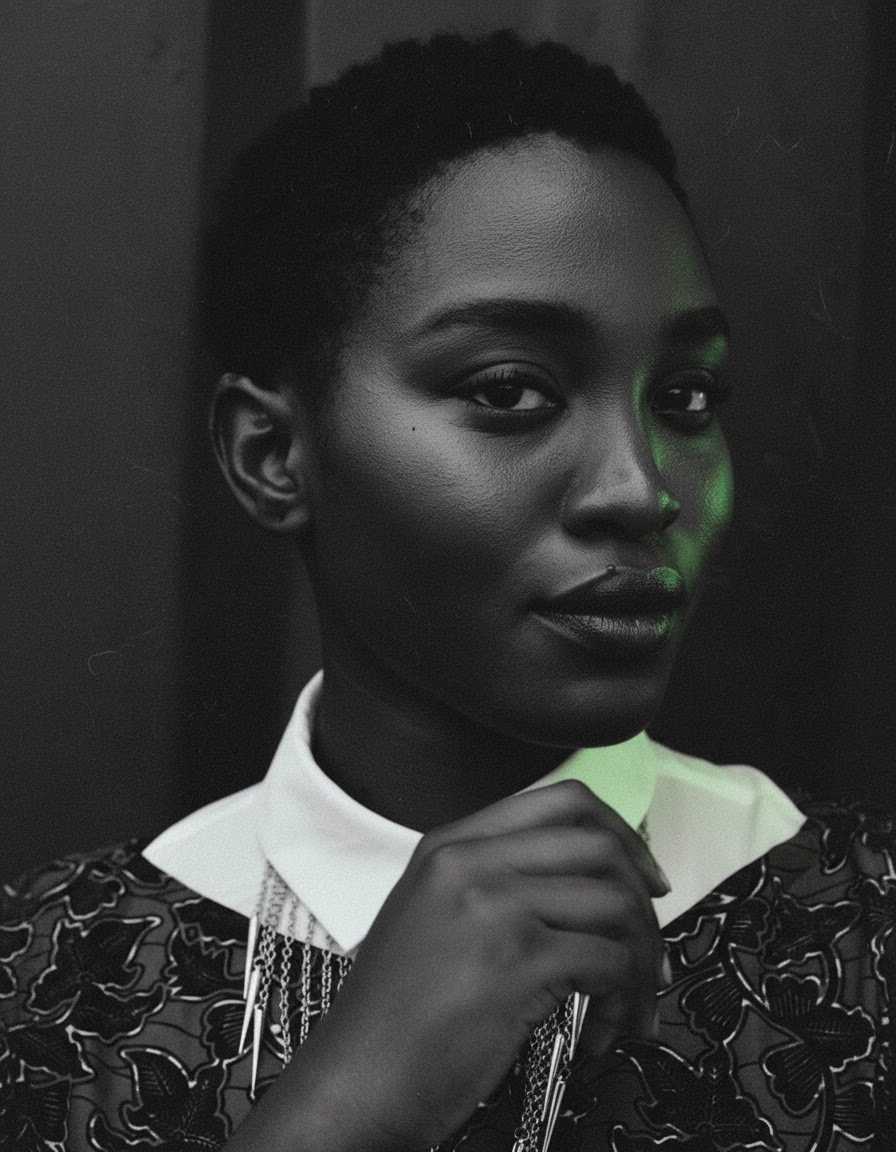
Selfie → noir portrait
Cinematic studio rim light, deep shadows, phosphor-green glow.
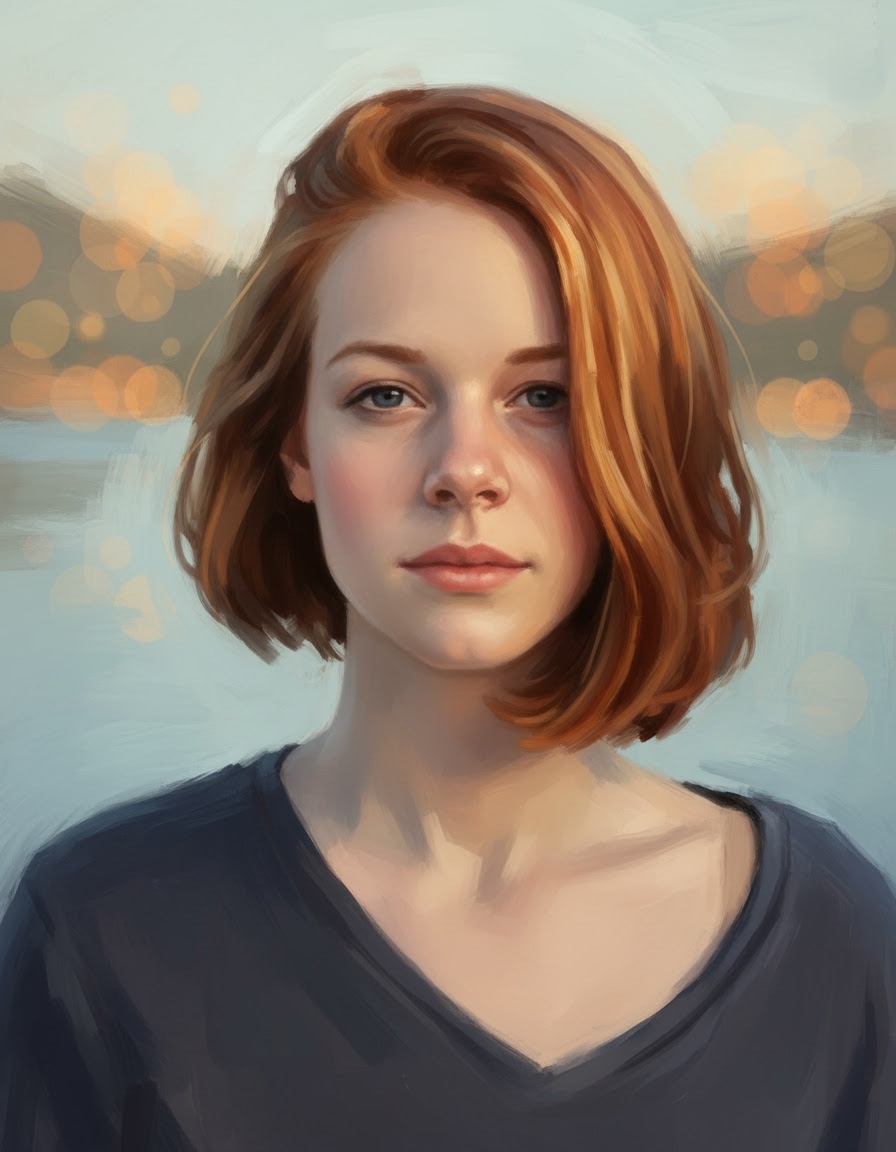
Selfie → painterly soft-light portrait
Loose oil-paint brushwork and warm golden-hour rim light.
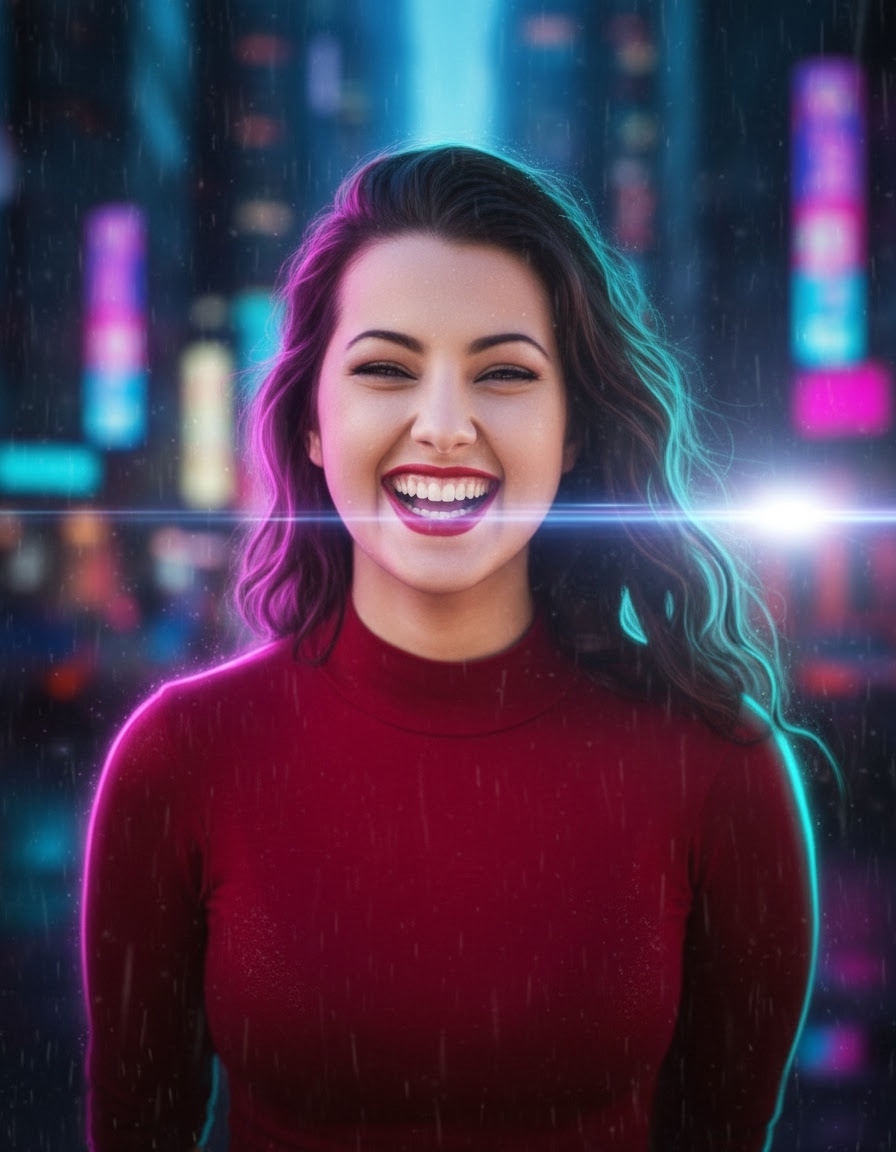
Selfie → cyberpunk neon
Magenta + teal neon rim lights, rain-soaked city bokeh.
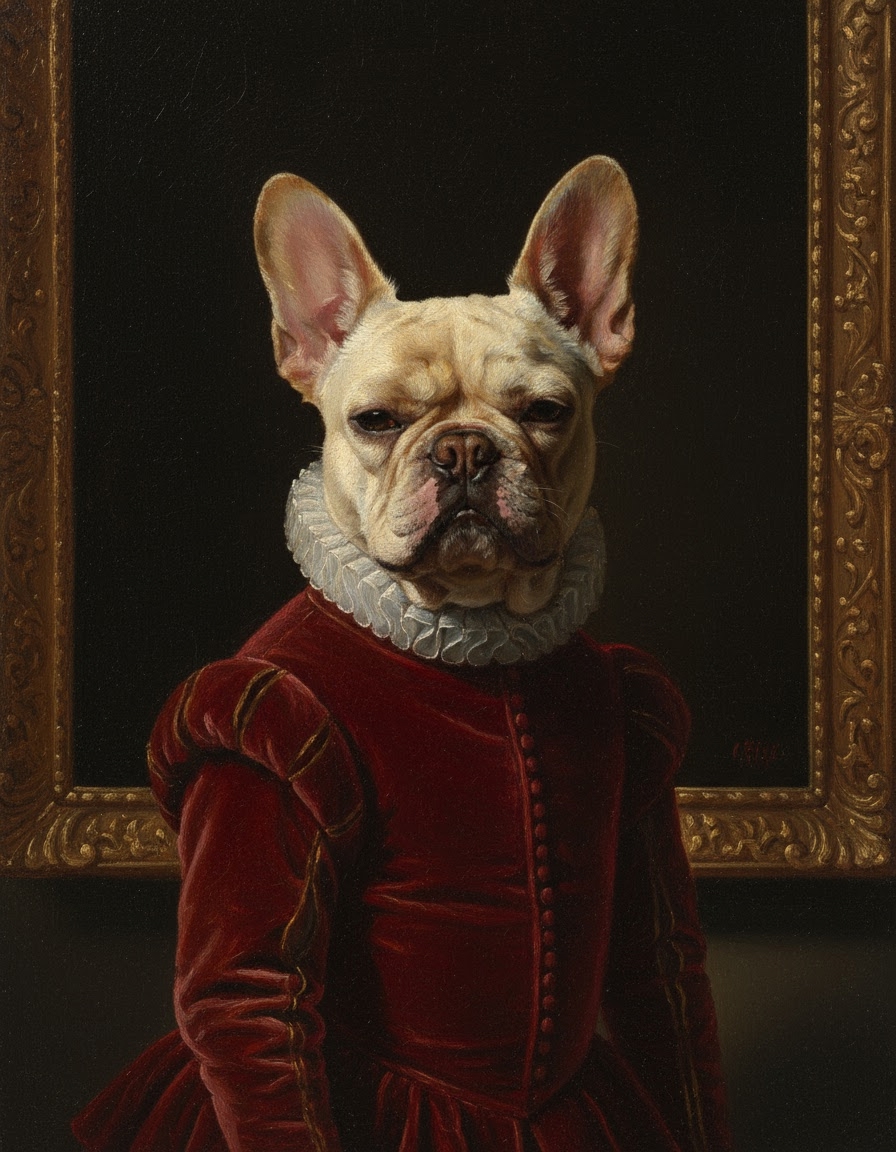
Pet → Renaissance oil painting
Chiaroscuro lighting, gilded museum frame, painterly brushwork.
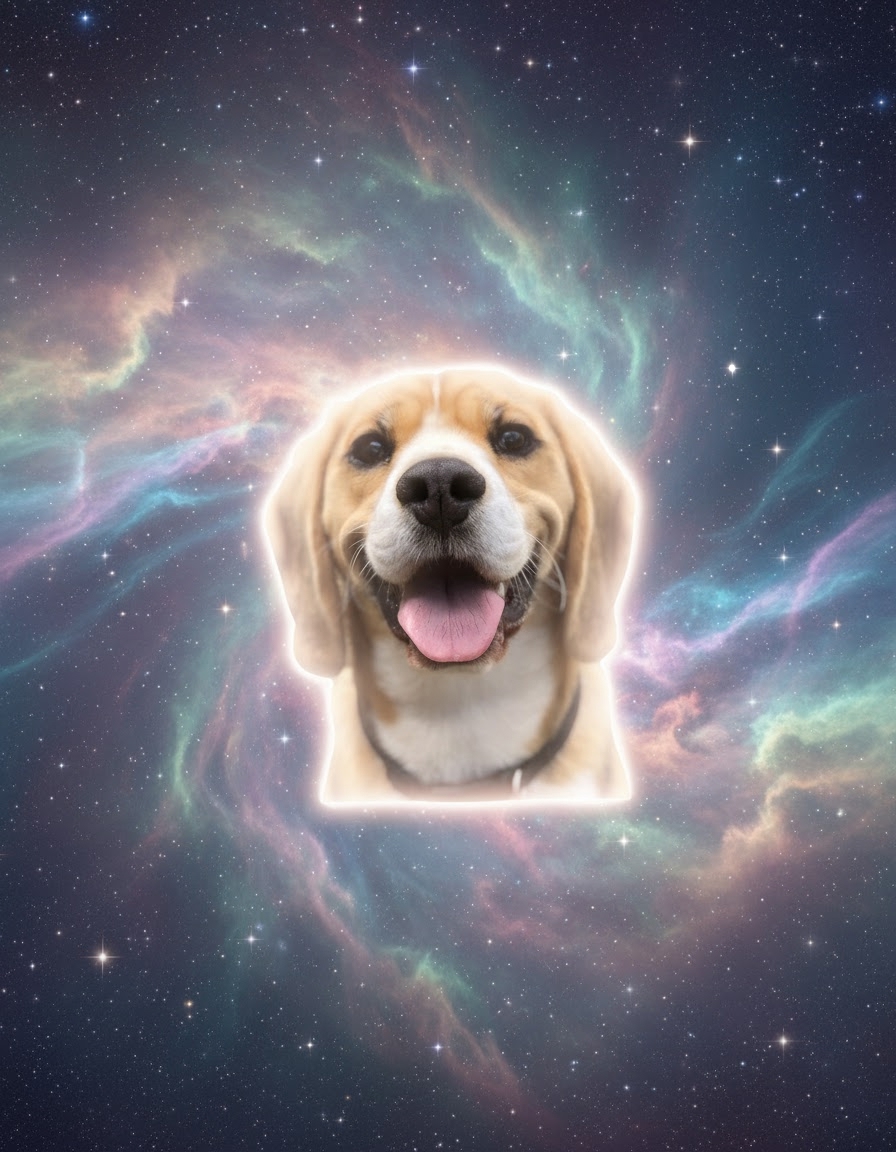
Pet → cosmic puppy
Floats through a nebula of stars and pastel cosmic dust.
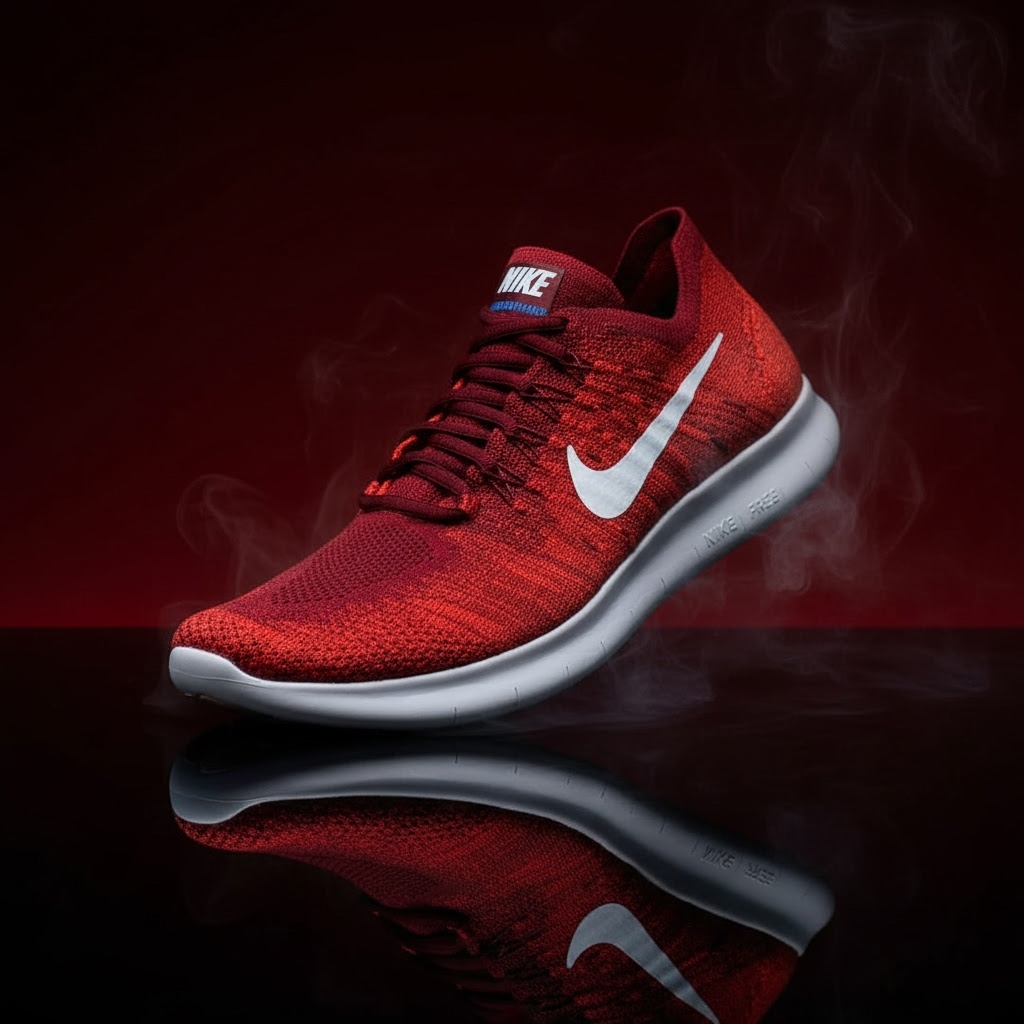
Product → sneaker macro hero
Low-key studio lighting, glossy reflective surface, smoke wisps.
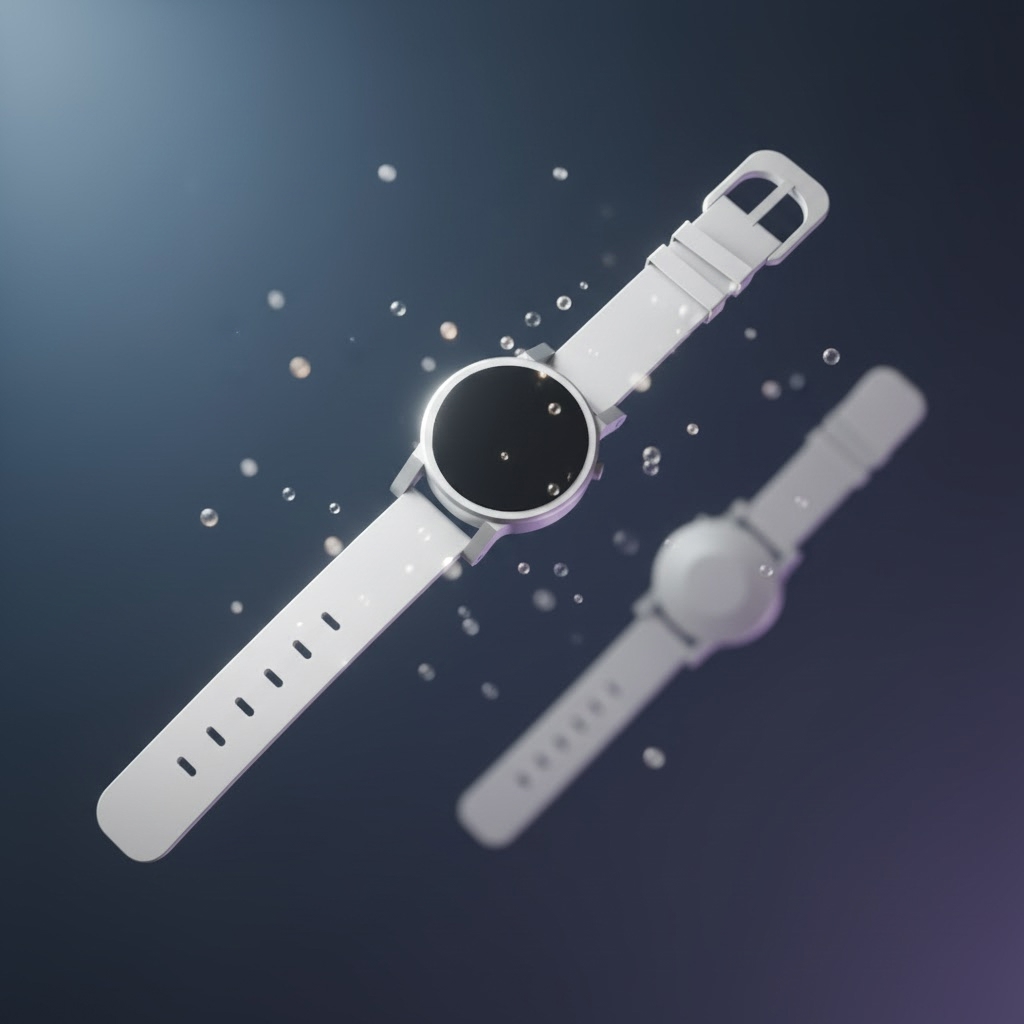
Product → watch floating
Suspended in mid-air with floating particles, cool slate backdrop.
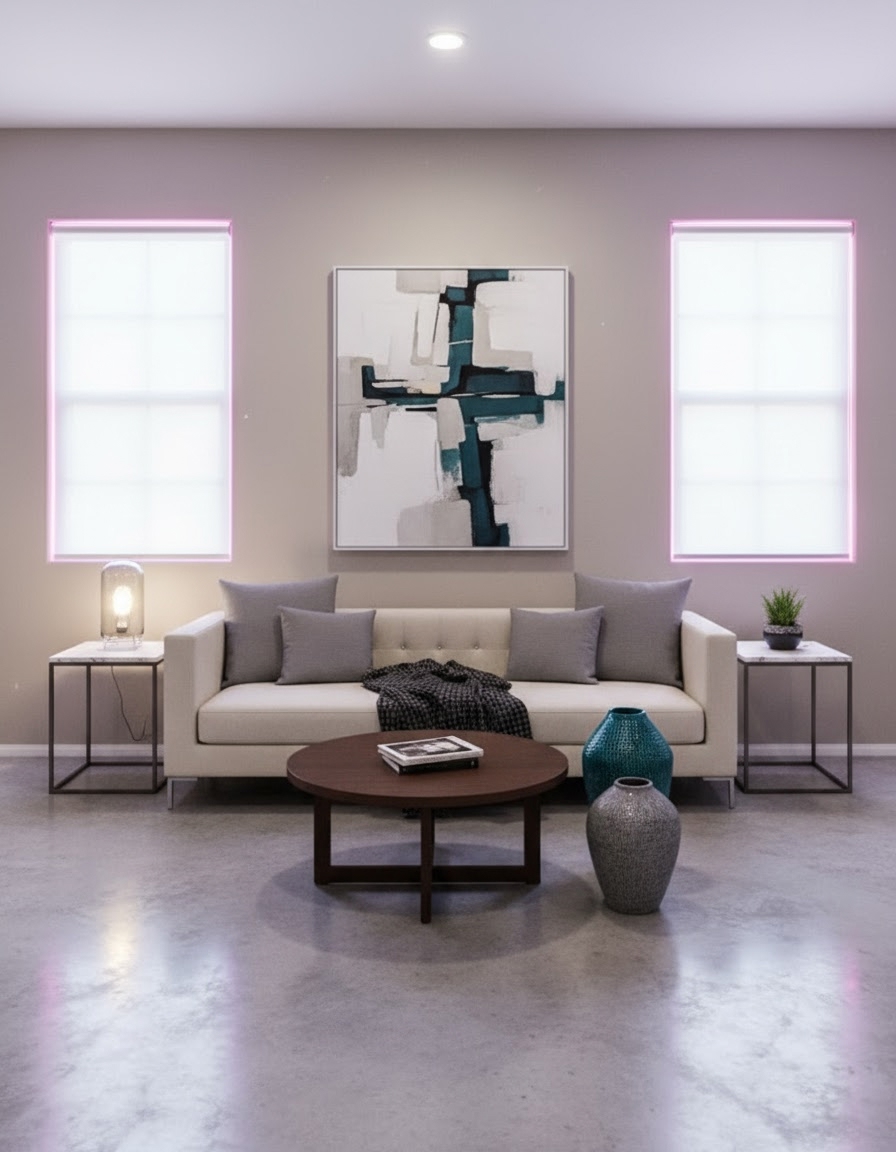
Room → magenta-lit lounge
Modern minimalist lounge with magenta accent lighting.
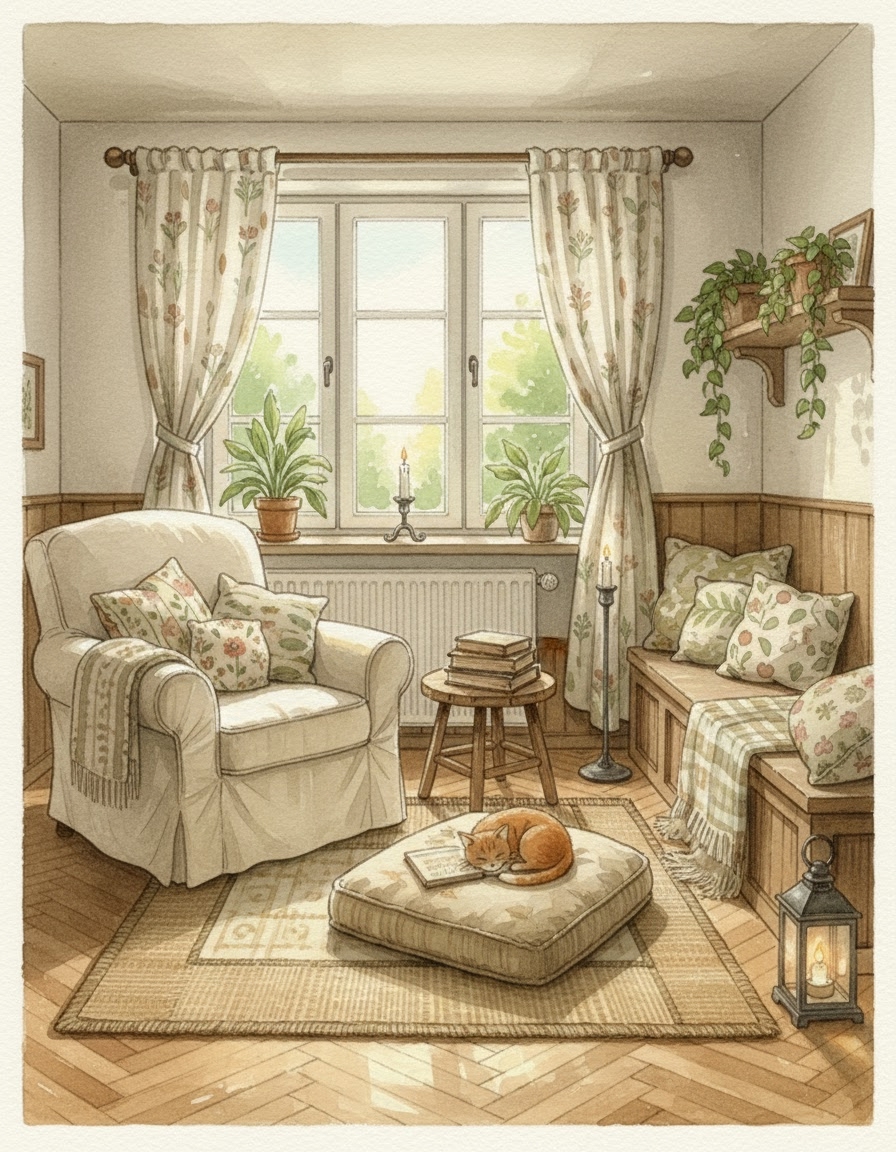
Room → Ghibli cottage reading nook
Hand-painted watercolor textures, candle glow, sleepy cat.
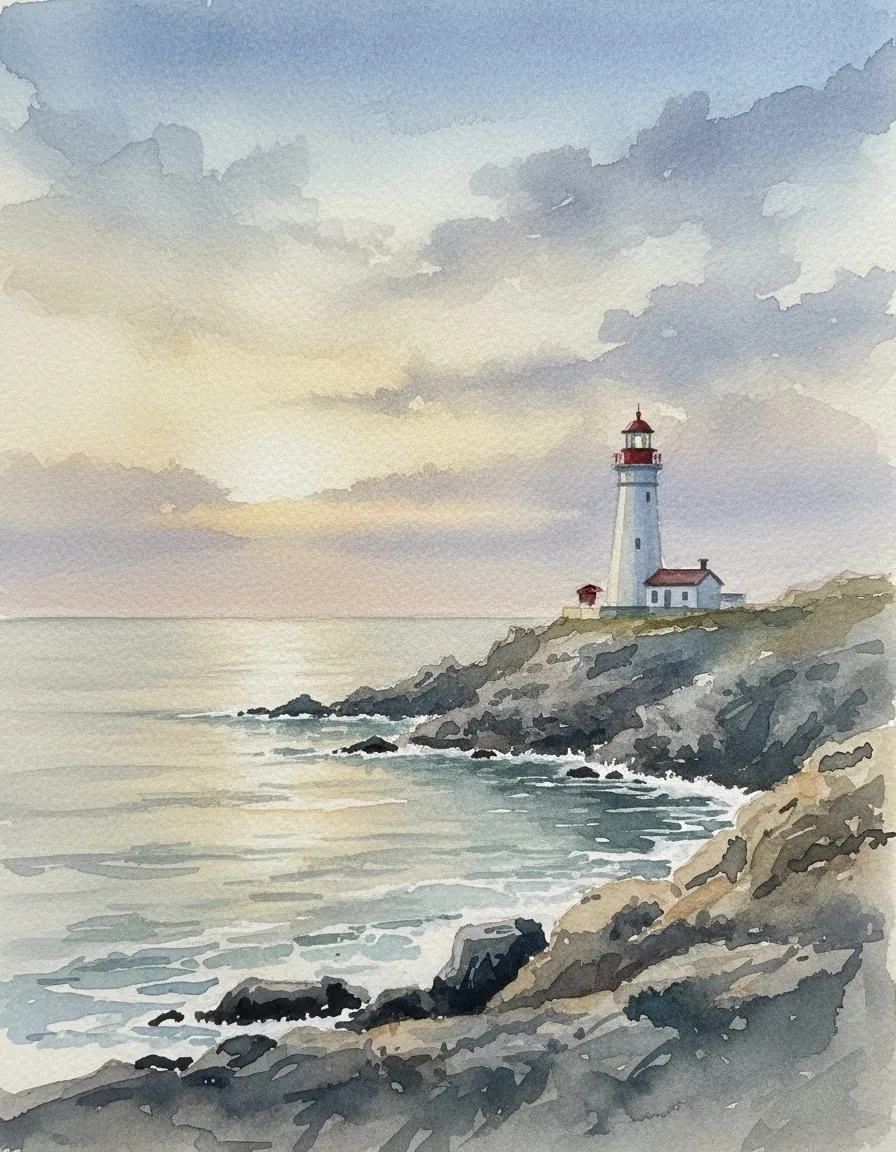
Watercolor coastline
Painterly wet-on-wet wash over a rocky shore.
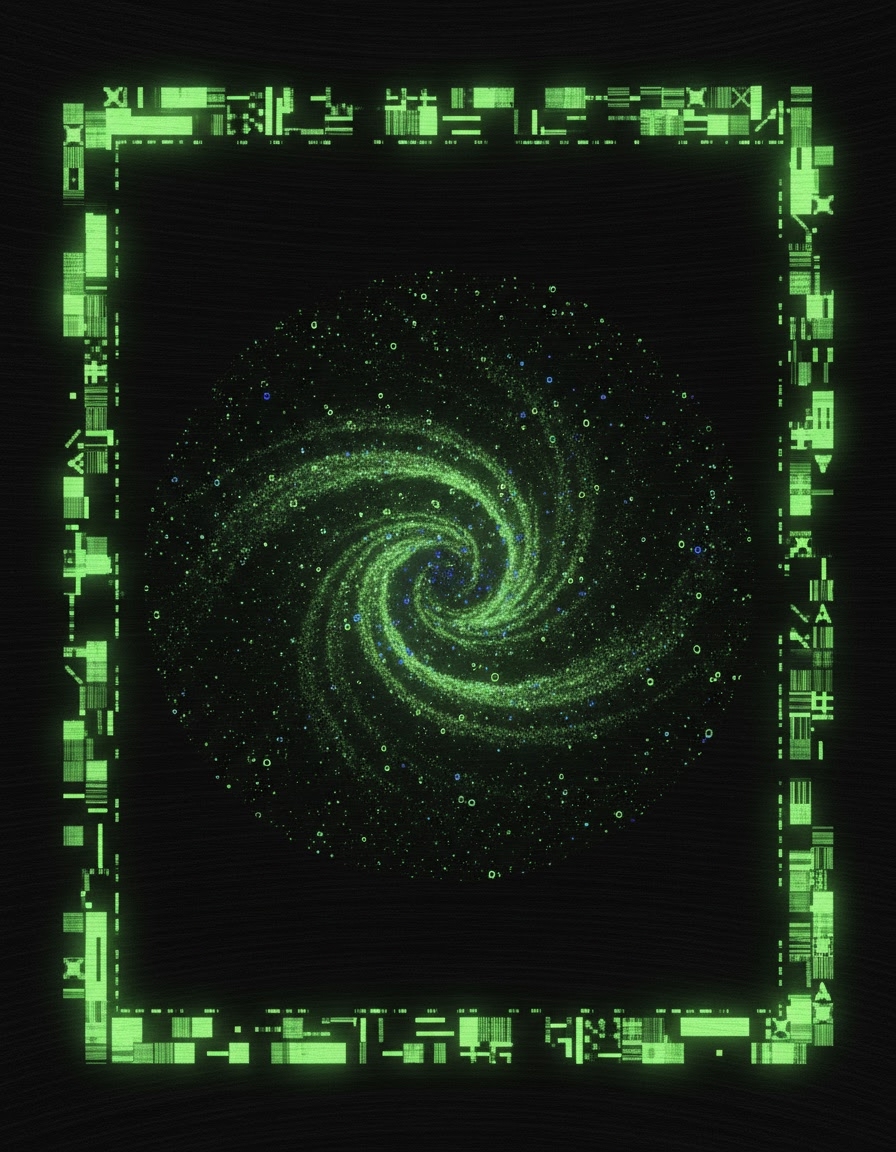
House style — phosphor terminal ASCII frame
Phosphor-green ASCII terminal frame enclosing a cosmic landscape.
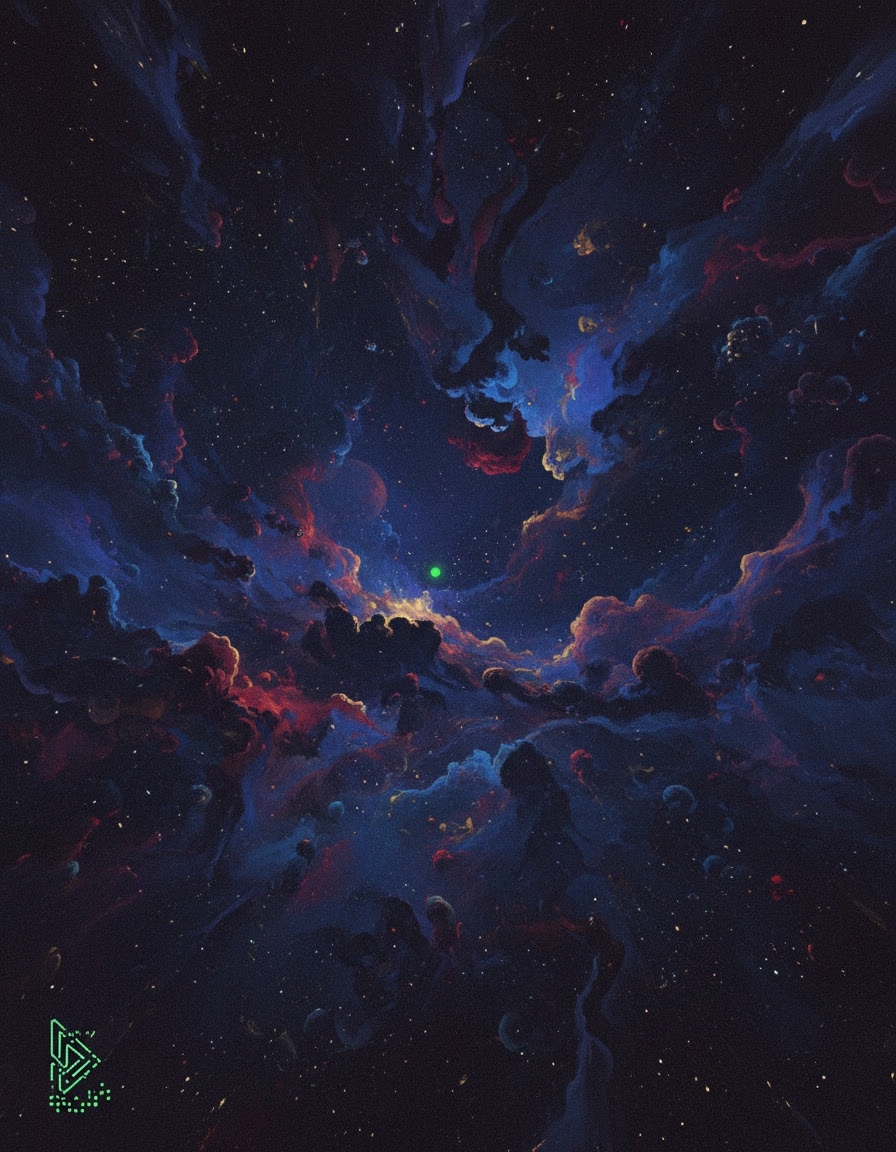
House style — phosphor minimal corner glyph
Cosmic landscape with a single phosphor-green corner signature.
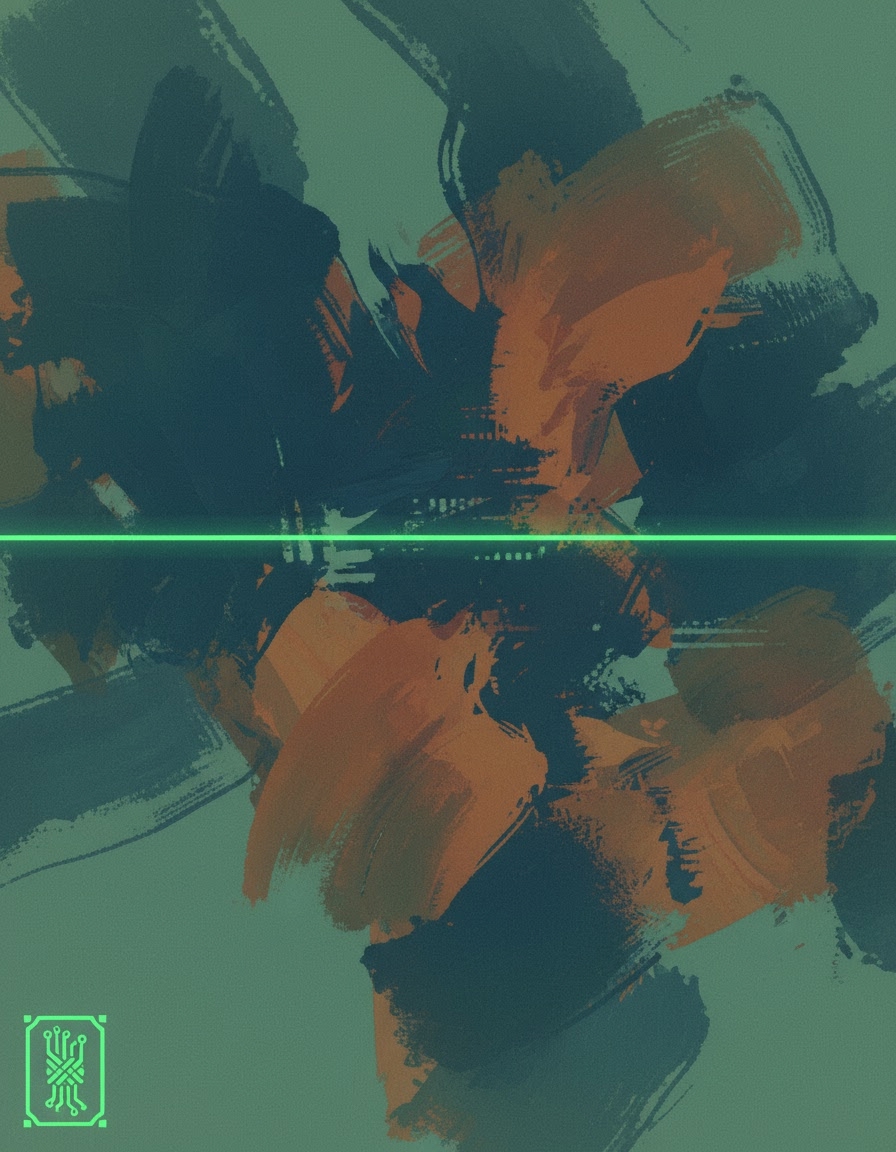
House style — phosphor scanline overlay
Painterly composition with thin phosphor-green scanlines.
Same shape on every entry.
Each prompt page has the same 3-step setup card. The numbers don't change — only the prompt and the model vary.
- 01
Install + key
npx -y mcp-media-engineand an API key from app.mcpmediaengine.com. - 02
Attach your photo (if img2img)
Attach your selfie, pet, or product photo to your agent chat — or paste any image URL.
- 03
Paste the prompt
Copy the verbatim prompt from the entry page and paste it. The agent submits the job and returns the asset URL when it's done.
Same prompt, four agents.
Every prompt on this page is designed to run in any of these MCP-compatible agents. No per-agent fork needed.
- ✓Claude Desktop (native MCP)
- ✓ChatGPT (via MCP / REST)
- ✓Cursor (MCP settings)
- ✓Hermes (any MCP-compatible agent)
- ✓Direct REST API (HTTP, no MCP required)
Policy: use your own photos — don't upload photos of other people without their consent. No celebrities, no third-party faces in our own posts. Every example image on this page is generated via MED itself; job IDs are listed on each entry page.
Ready to run a prompt in your own agent?